TabTasu
Group tabs, keep logins apart. Switch in a tap.
TabTasu is a browser that keeps web pages together in purpose-based groups. Switch groups and pick up right where you left off.

iPhone and iPad. Portrait and landscape, Light and Dark Mode.
Organize tabs by purpose
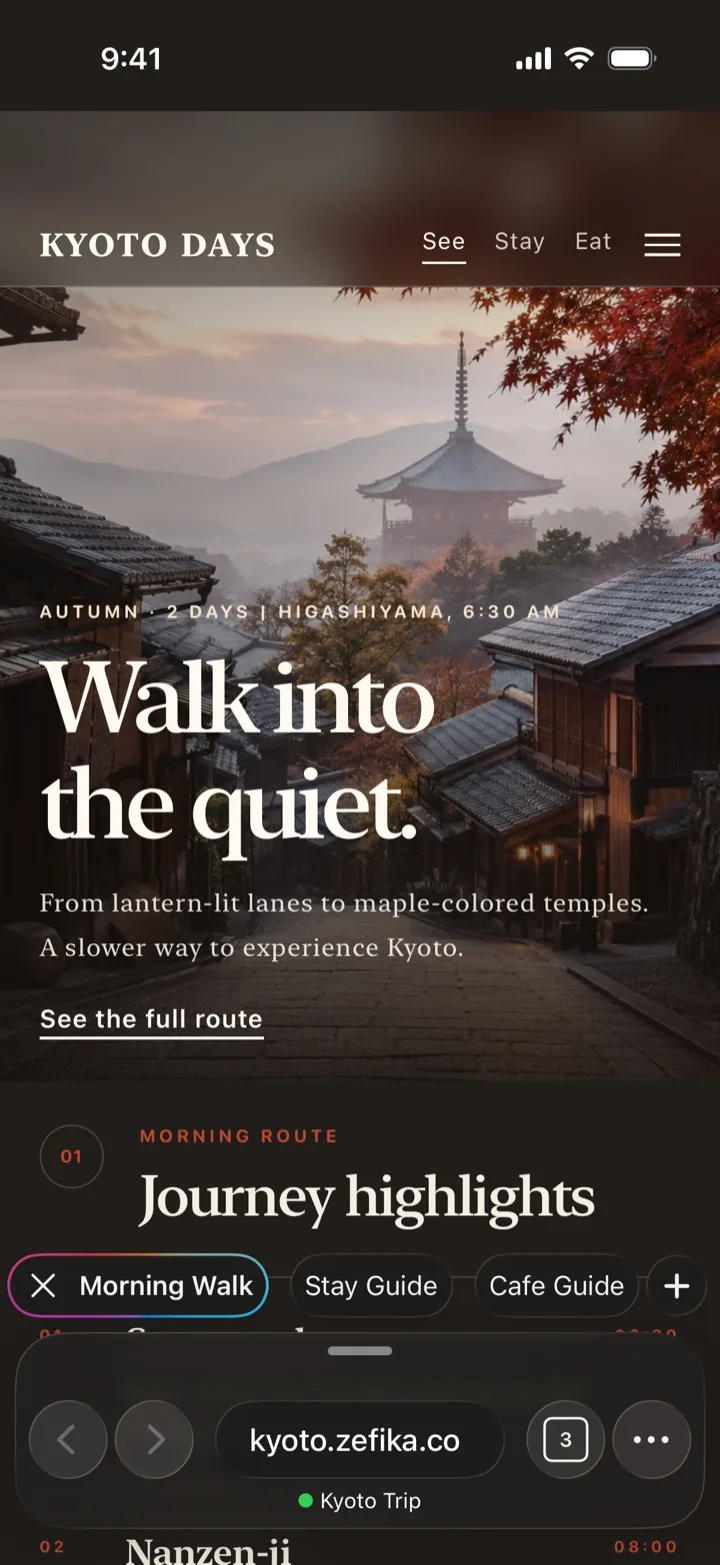
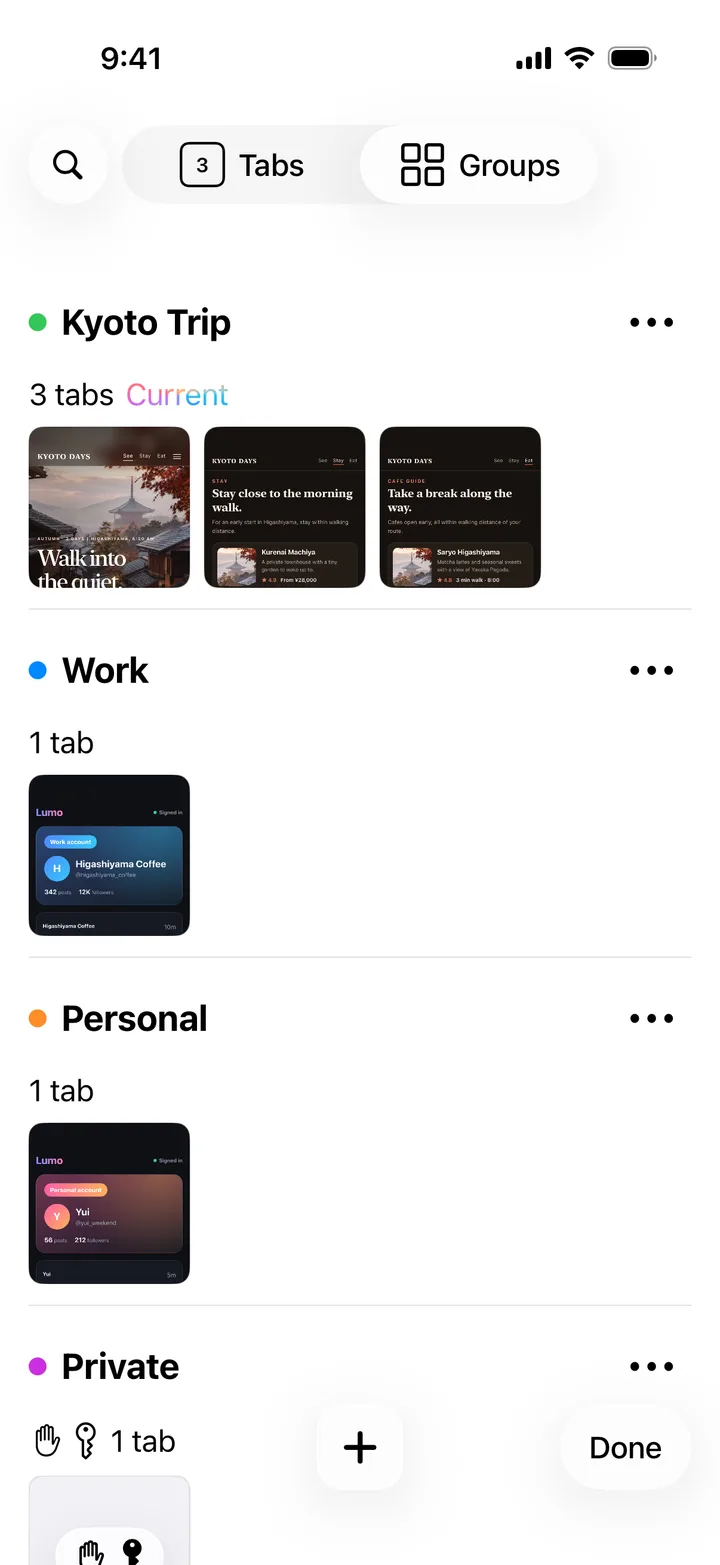
- Create groups for work, hobbies, study, shopping, and more.
- A group's tabs are lined up at the bottom. Switch with a tap or a swipe.
- Your current pages and tab order are saved, so you can pick up where you left off.
Keep logins separate by group
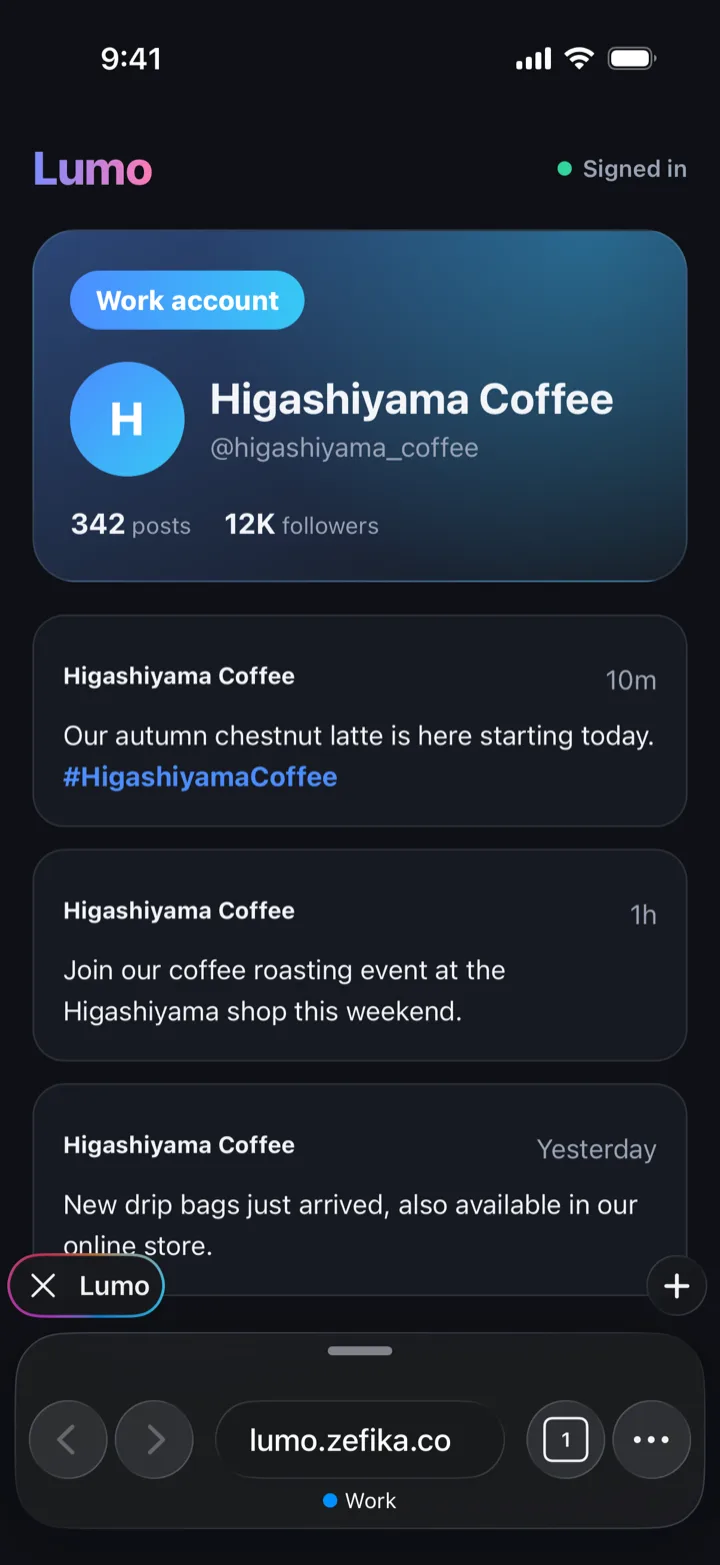
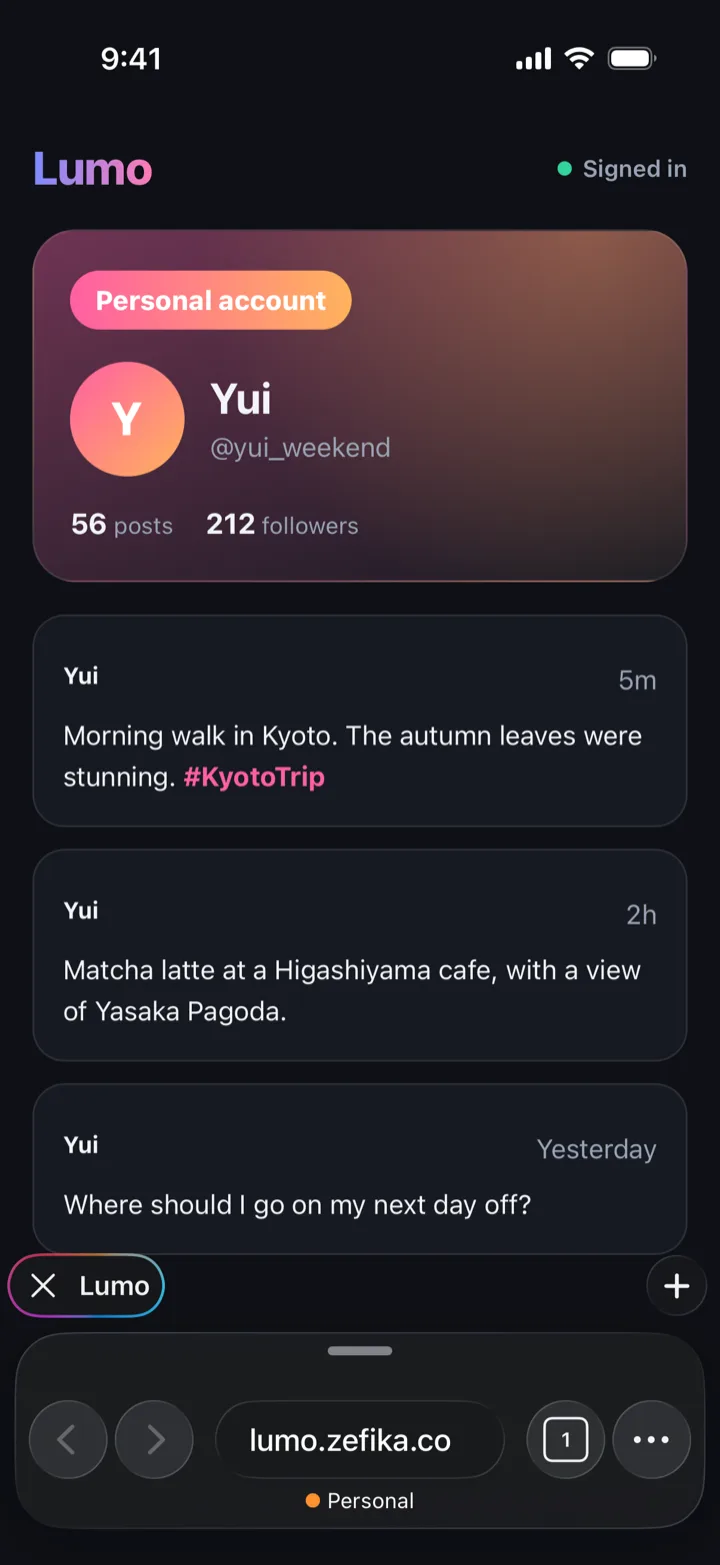
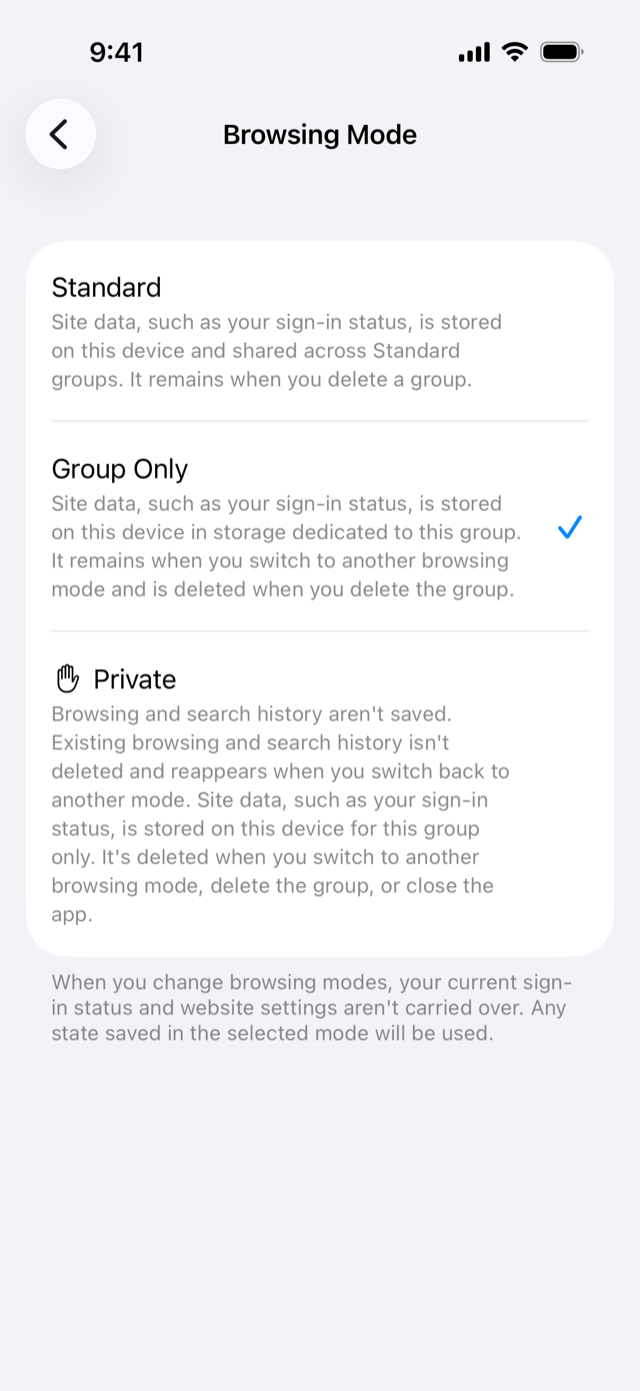
- Set a group's Browsing Mode to Group Only to keep its sign-ins separate from other groups.
- Stay signed in to the same site with different accounts, and switch just by switching groups.
- Give each group a color to see at a glance which account you are using.
Protect groups you want to keep private
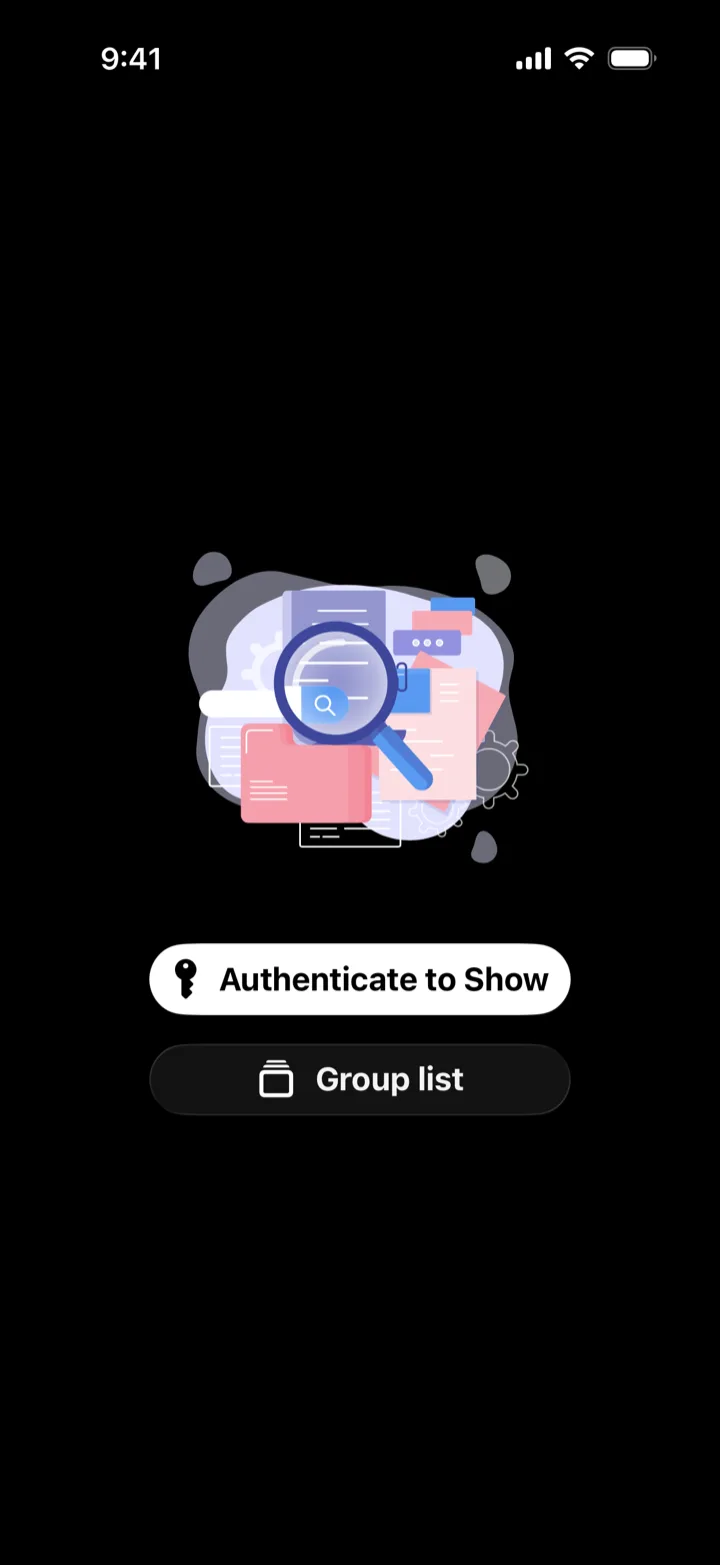
- Choose Tap to Show or Authenticate to Show for each group.
- Authenticate to Show unlocks with Face ID, Touch ID, or your passcode.
- Private groups do not save browsing or search history, and their sign-ins and site data are deleted when the app quits.
Tools while you browse

Web Tool
Open another page below the current one to compare.
Translate
Select text on a page and translate it on your device.
Character Count
Count the characters and lines in your text.
Snippets
Save text you type often and copy it with a tap.
Tab Reminder
Set a time on an open tab. Tap the notification to pick up where you left off.
Image Viewer
View the images on a page one at a time, full screen.
Full-page screenshot
Capture the whole page, then mark it up, save it, or share it.
Your browsing data stays on your device
No account needed. Tabs, groups, browsing history, and sign-ins are stored on your device and never sent to our servers. To improve the app and show ads, usage data and similar information is sent to Google services. See the Privacy Policy for details. Privacy Policy
Guide
 Step 01
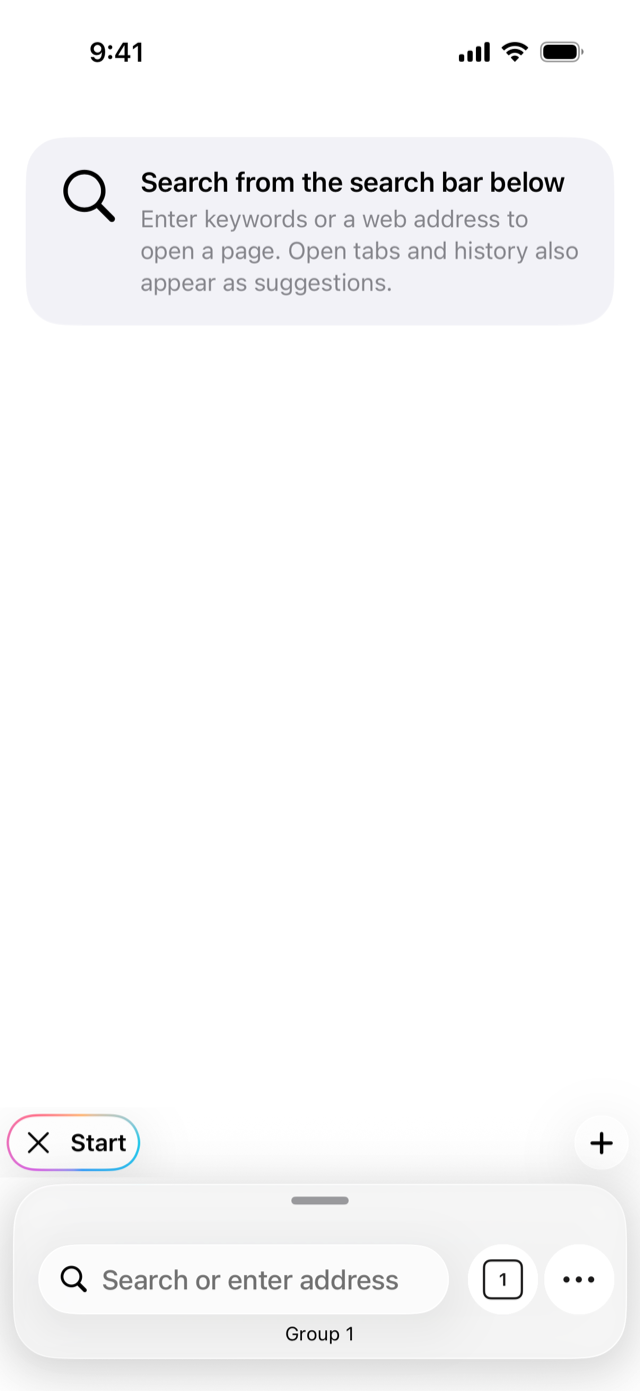
Getting started
From installing TabTasu to opening your first page in a group.
 Step 02
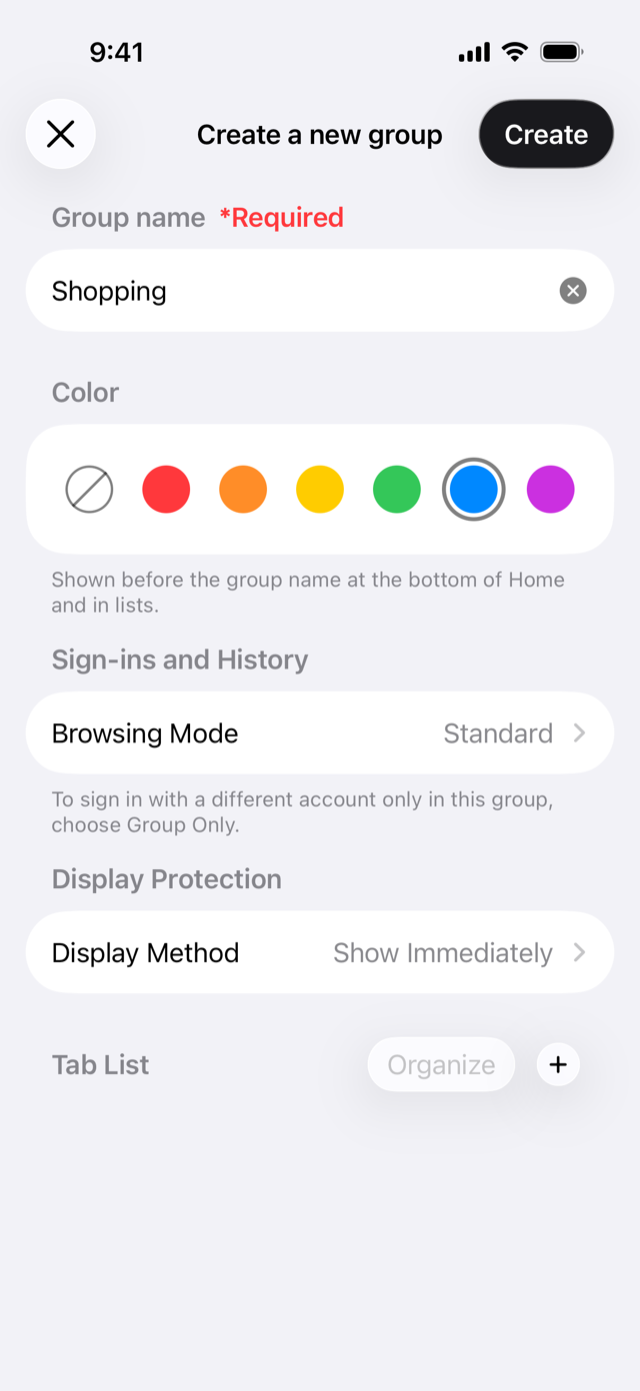
Create and switch groups
Create a group for work, personal life, or any purpose, and switch between them in a tap.
 Step 03
Keep logins separate with Group Only
Stay signed in to the same site with different accounts, and switch just by switching groups.
Get TabTasu
Free to download. Works on iPhone and iPad.